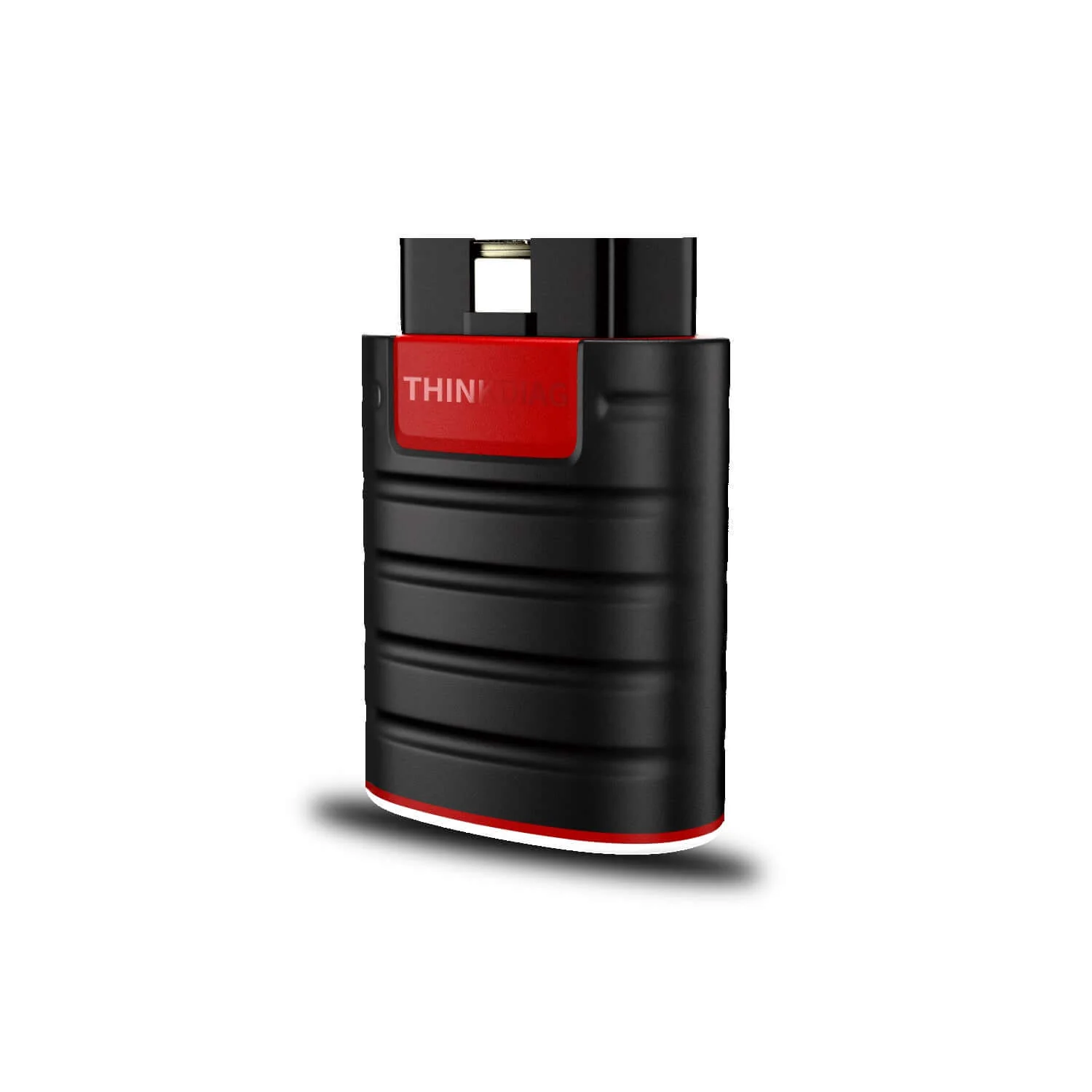
THINKCAR® ThinkDiag Bidirectional Bluetooth OBD2 Scanner
Guide:How to use Coverage Inquiry to check your vehicle and its features

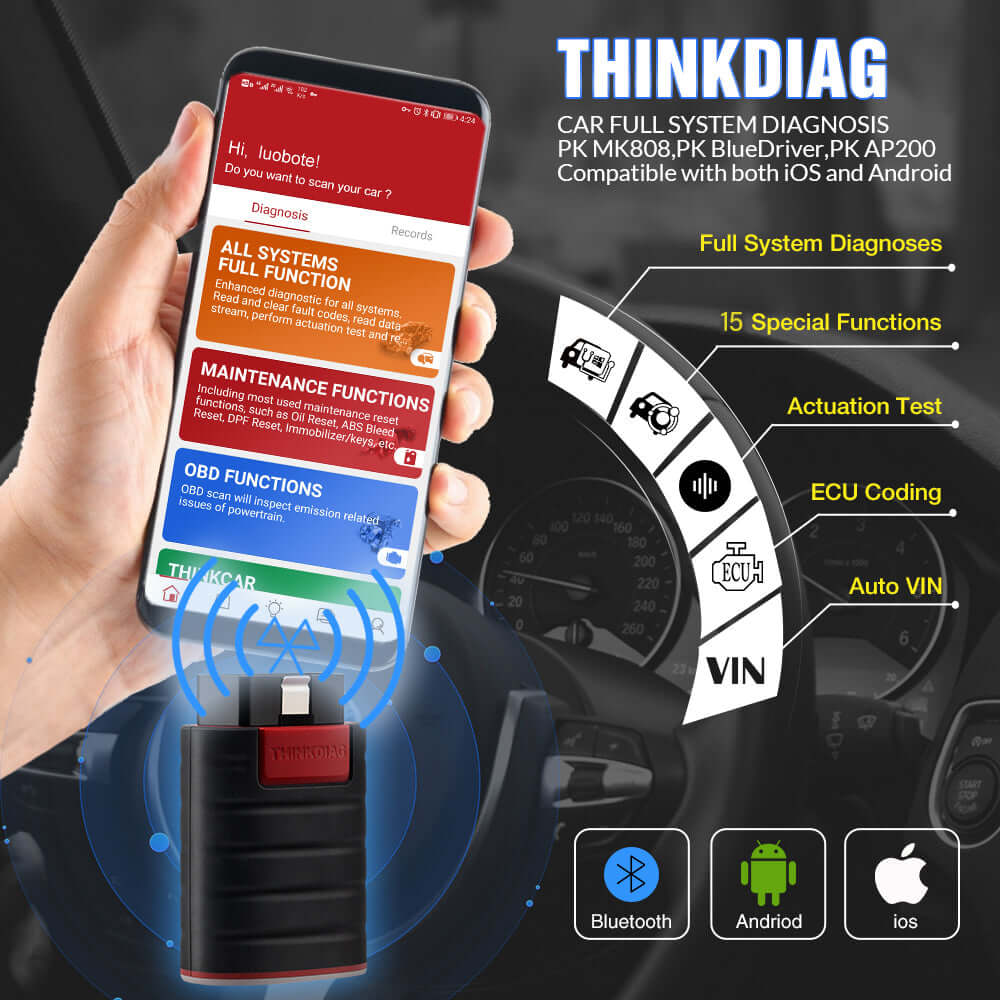
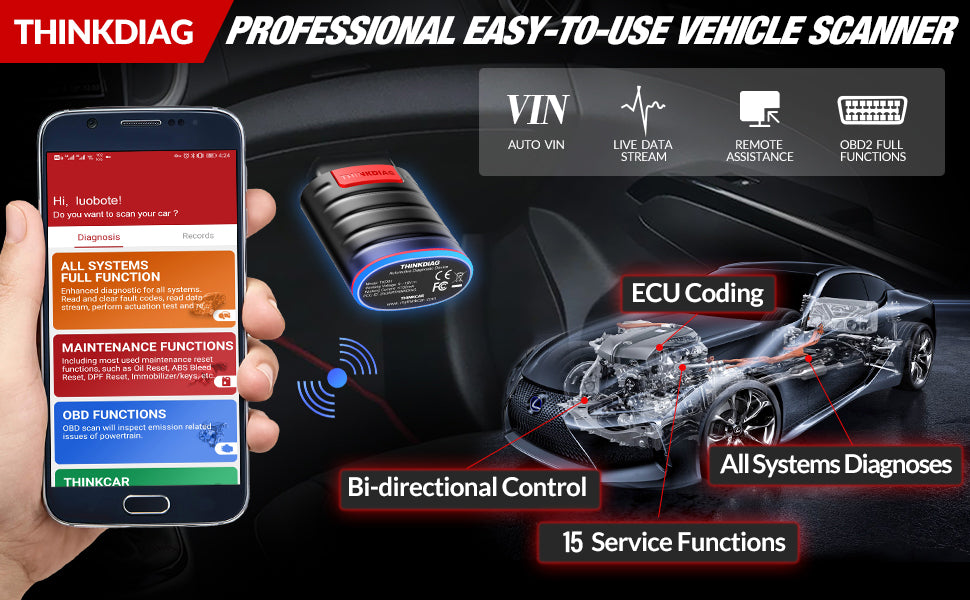
✅Smart Diagnostic Tool: The Auto VIN function allows it to automatically recognize most car models. After diagnosis, a complete system vehicle health report will be created automatically, and it can be shared and printed via email. Real-time data flow combined with graphics + data recording can better monitor vehicle performance and analyze abnormal parameters.

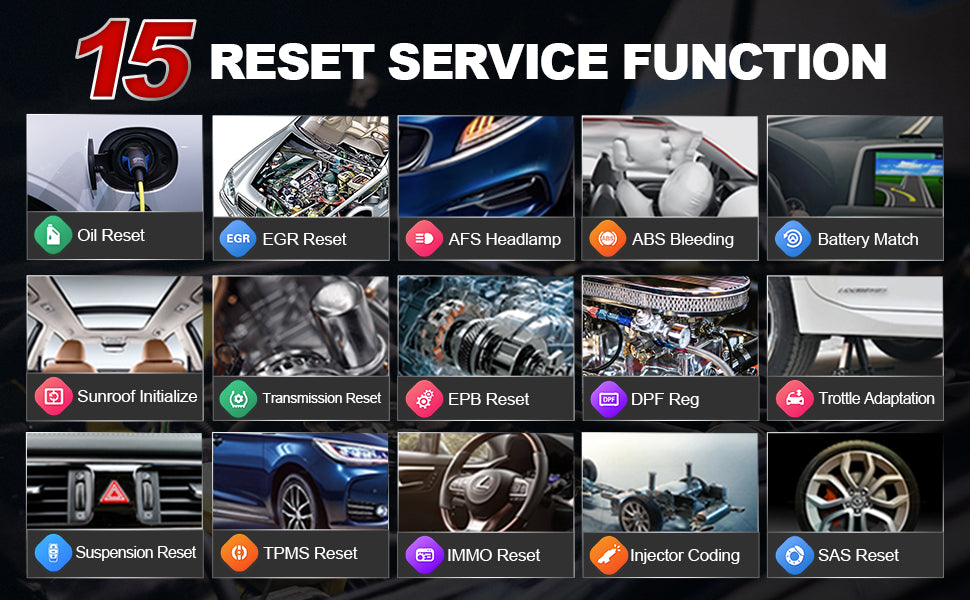
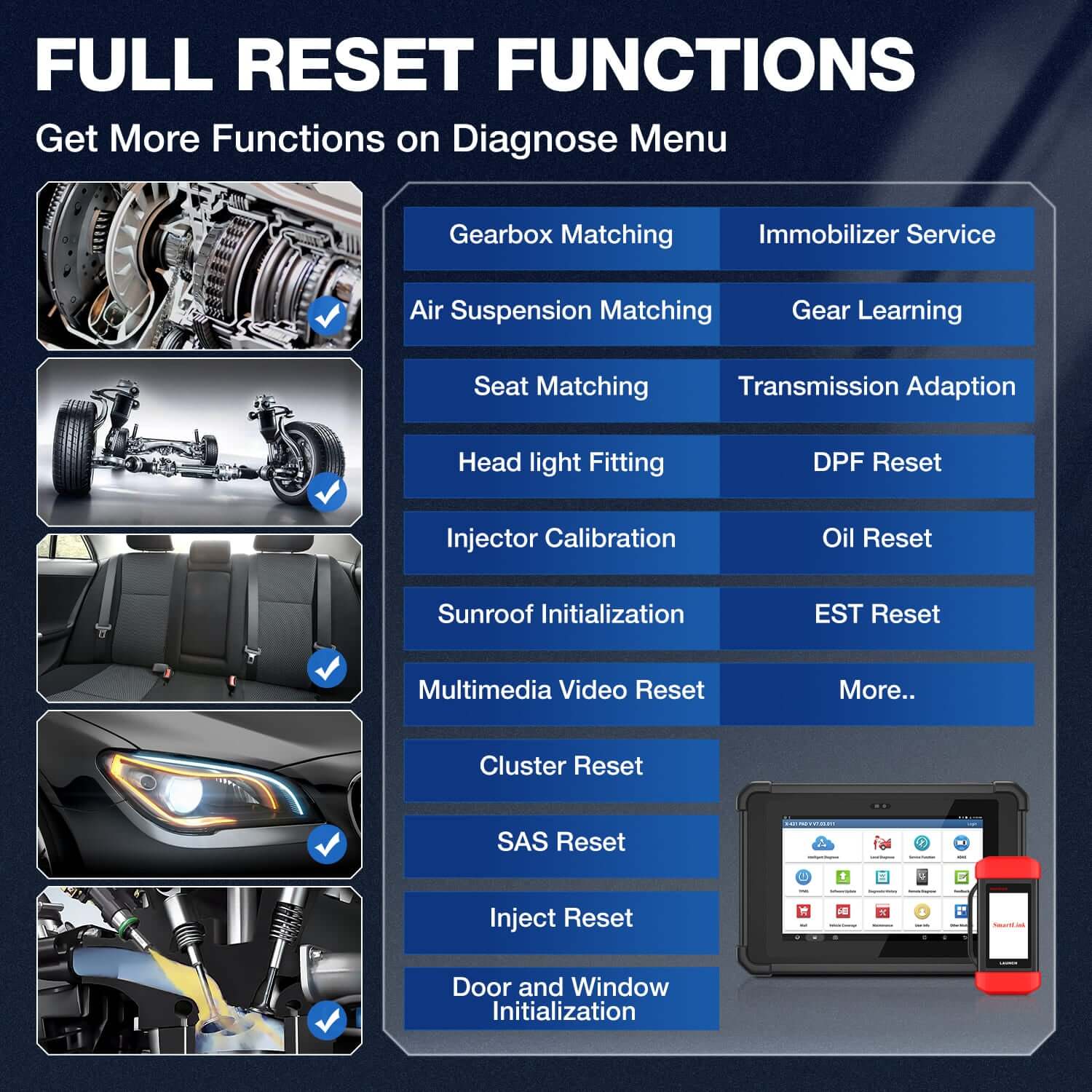
✅ Bidirectional Control+ECU Coding Functions: Through APP (ThinkDiag+), the ThinkDiag OBD2 scanner can perform special functions on some compatible cars. With bidirectional control, you can test different systems or open and close valves in the vehicle to solve internal problems. ECU coding allows you to match new computer modules!
3-STEP FOR QUICK USE:
1. Download and install ThinkDiag App.
2. Activate your device and Plug it into OBD2 port.
3. Connect it via bluetooth in the app and start your car.

Does the new version support full software updating?
Yes, the 2024 new version Thinkdiag comes with a full software 1-year free update.
How many languages can the new version of Thinkdiag support?
9 languages, English, French, German, Italian, Spanish, Portuguese, Russian, Japanese, Polish.
What is the difference between the THINKCAR all system diagnostic scanners?
Click here to see clearer pictures and more detailed comparisons!
Download
Thinkdiag app
Thinkdiag user manual
Thinkdiag car list
Specification:
Model:Thinkdiag
Working Voltage: 9~18V
Working Current: ≤130mA
Working Temperature: 14℉~122℉(-10℉-50℉)
Storage Temperature: -4℉~140℉(-20℉-60℉)
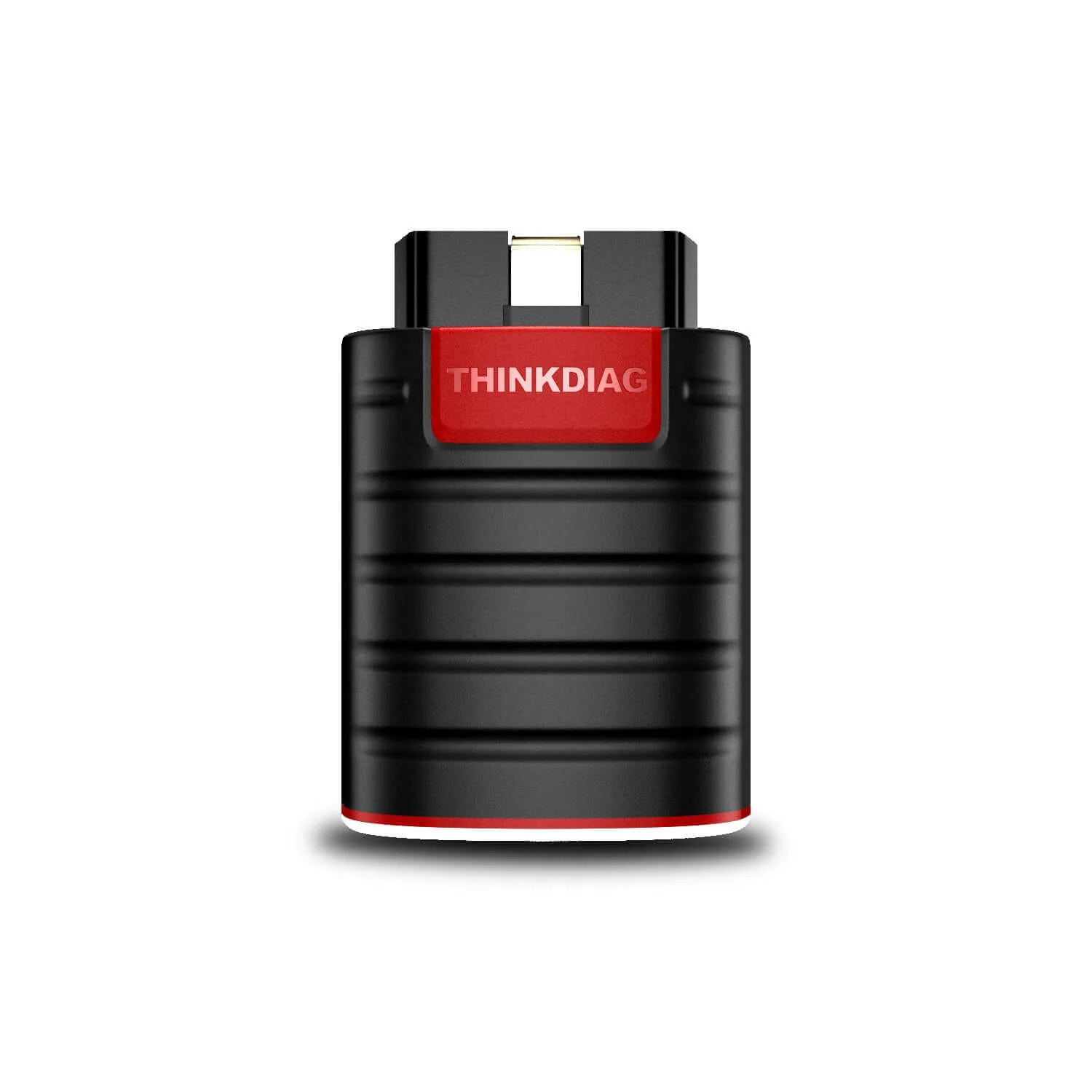
Size: 2.1in*3in*1.1in
Net Weight: 2.80oz
Original: $89.00
-65%$89.00
$31.15Product Information
Product Information
Shipping & Returns
Shipping & Returns
Description
Guide:How to use Coverage Inquiry to check your vehicle and its features
✅Smart Diagnostic Tool: The Auto VIN function allows it to automatically recognize most car models. After diagnosis, a complete system vehicle health report will be created automatically, and it can be shared and printed via email. Real-time data flow combined with graphics + data recording can better monitor vehicle performance and analyze abnormal parameters.
✅ Bidirectional Control+ECU Coding Functions: Through APP (ThinkDiag+), the ThinkDiag OBD2 scanner can perform special functions on some compatible cars. With bidirectional control, you can test different systems or open and close valves in the vehicle to solve internal problems. ECU coding allows you to match new computer modules!
3-STEP FOR QUICK USE:
1. Download and install ThinkDiag App.
2. Activate your device and Plug it into OBD2 port.
3. Connect it via bluetooth in the app and start your car.
Does the new version support full software updating?
Yes, the 2024 new version Thinkdiag comes with a full software 1-year free update.
How many languages can the new version of Thinkdiag support?
9 languages, English, French, German, Italian, Spanish, Portuguese, Russian, Japanese, Polish.
What is the difference between the THINKCAR all system diagnostic scanners?
Click here to see clearer pictures and more detailed comparisons!
Download
Thinkdiag app
Thinkdiag user manual
Thinkdiag car list
Specification:
Model:Thinkdiag
Working Voltage: 9~18V
Working Current: ≤130mA
Working Temperature: 14℉~122℉(-10℉-50℉)
Storage Temperature: -4℉~140℉(-20℉-60℉)
Size: 2.1in*3in*1.1in
Net Weight: 2.80oz